Creating a home office that is both cozy and productive can transform your daily routine and help you maintain focus throughout the workday. Whether you’re new to working from home or looking to improve your current setup, having a dedicated, comfortable space is key to boosting productivity and feeling motivated. In this post, we’ll explore practical tips on how to design a home office that supports both comfort and efficiency.
Choose the Right Location
Consider Natural Light
One of the most important factors in setting up a home office is the location. Aim to place your office near a window if possible, so you can take advantage of natural light. Sunlight not only makes a room feel more welcoming but also helps regulate your circadian rhythm, improving alertness and mood.
Minimize Distractions
Select a quiet area of your home to minimize interruptions. If you don’t have a separate room, consider using room dividers or noise-cancelling headphones to create a more focused environment. Privacy is essential for maintaining concentration on tasks.
Invest in Comfortable and Functional Furniture
Ergonomic Chair
A supportive chair is crucial for comfort and health. Choose one that supports your lower back and encourages good posture. Adjustable height and armrests are additional features that can be helpful.
Spacious Desk
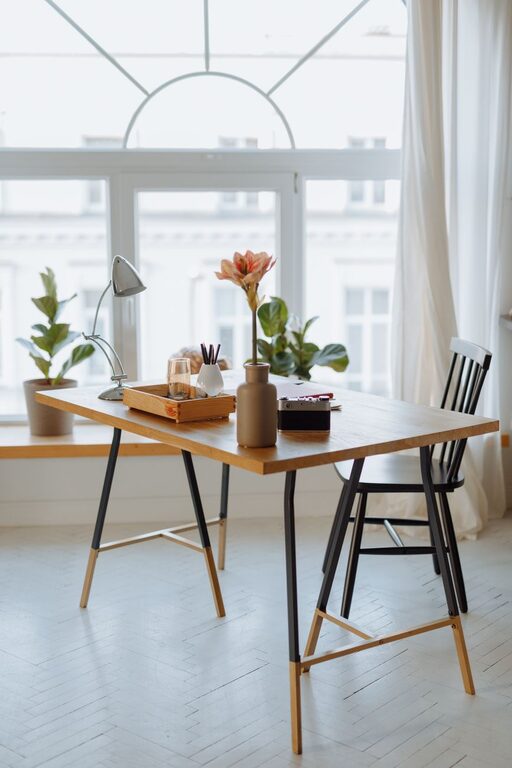
Your desk should have enough surface area to accommodate your computer, notepads, and any other tools you frequently use. A clutter-free desk supports clear thinking and helps keep distractions at bay.
Organize Your Space
Use Storage Solutions
Keeping your work area tidy is easier when you have proper storage. Consider shelves, filing cabinets, or desktop organizers to sort documents, office supplies, and electronics. Organized storage reduces clutter and saves time searching for items.
Cable Management
Tangled cords can make your workspace look messy and be a safety hazard. Use cable clips, sleeves, or boxes to keep cords neatly bundled and out of sight.
Add Personal Touches
Choose Soothing Colors
Colors affect mood and productivity. Soft, neutral tones like light blues, greens, or greys create a calming atmosphere. You can add pops of color with accessories or artwork to keep the space lively yet inviting.
Incorporate Plants
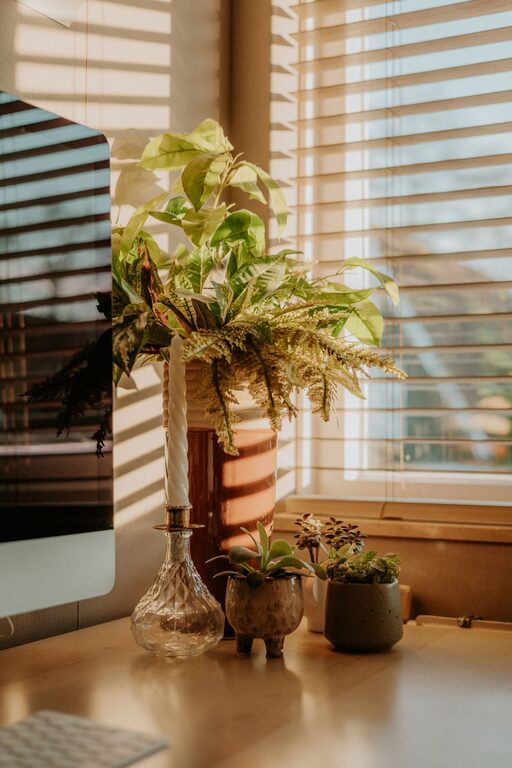
Indoor plants bring life to your office, improve air quality, and can reduce stress. Even small potted plants or succulents on your desk make a positive difference.
Display Inspirational Items
Personal photos, motivational quotes, or creative artwork can help keep you inspired and engaged throughout the day. Just be mindful not to crowd the space, which could become distracting.
Focus on Lighting
Layer Your Lighting
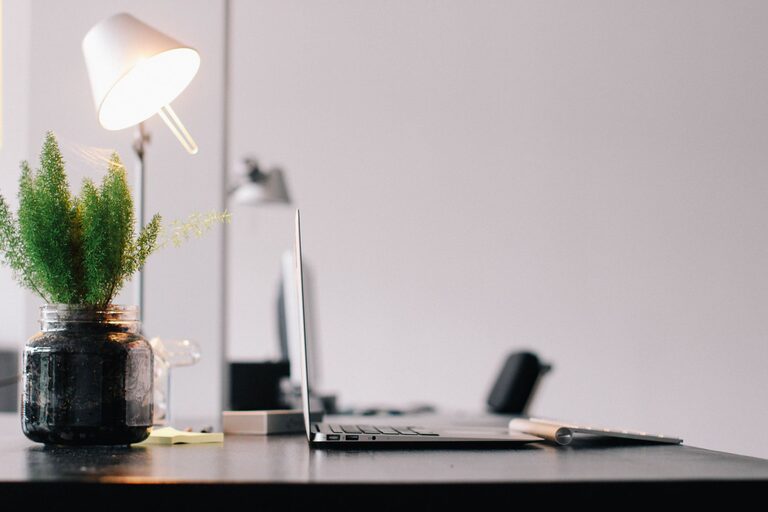
Good lighting is essential to reduce eye strain and keep energy levels up. Combine natural light with adjustable task lighting like a desk lamp. Warm light bulbs tend to create a cozy ambiance, while cooler light bulbs are better for concentration.
Avoid Screen Glare
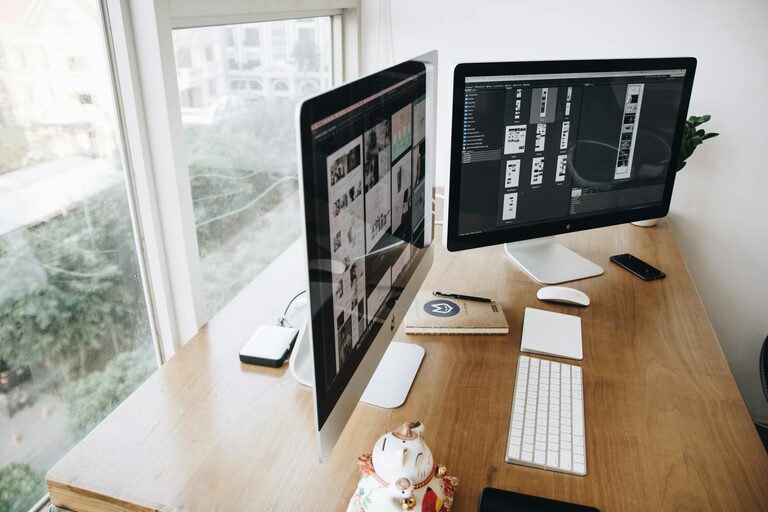
Position your monitor perpendicular to windows to prevent glare. If necessary, use anti-glare screen protectors or curtains/blinds to control the light entering the room.
Set Boundaries and Routines
Define Work Hours
Creating a clear boundary between work time and personal time helps maintain a healthy work-life balance. Set specific hours for work, and arrange your space so that it’s easy to “leave” the office at the end of the day.
Use Your Space for Work Only
Avoid turning your home office into a multipurpose room. Using this space exclusively for work helps train your brain to focus when you enter, increasing productivity.
Maintain Good Air Quality and Comfort
Ventilation
Fresh air can keep you alert and comfortable. If your room doesn’t have good airflow, consider adding a fan or an air purifier.
Temperature Control
Make sure your office stays at a comfortable temperature. Using a portable heater or fan, as needed, helps create a pleasant environment year-round.
Technology and Connectivity
Reliable Internet
Ensure a stable internet connection to avoid frustration and loss of work time. If the Wi-Fi signal is weak, a wired connection or Wi-Fi extender can improve speed and reliability.
Essential Equipment
Invest in essential tools such as a good quality webcam, microphone, and headphones if your work involves video calls. Having reliable technology improves communication and efficiency.
—
By paying attention to these elements, your home office can become a space that supports your comfort and productivity. Remember, your workspace should reflect your personal style while remaining functional. Small changes can make a big difference in how motivated and focused you feel each day. Happy decorating!
About the Author